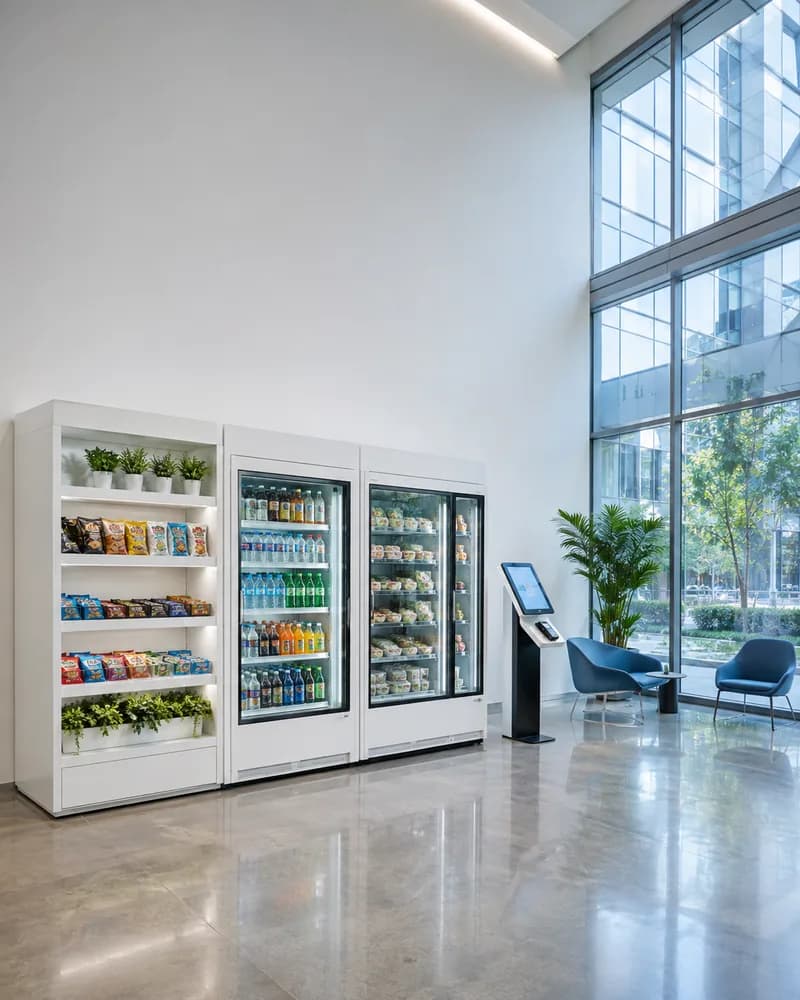
Self-order kiosk software, built for the lunch rush.
Ordering that keeps moving when the queue does not.
The screen a customer orders from in a restaurant, a quick-service counter, a cafe, or a canteen. We build the menu and the modifier logic behind it, the upsell that a till operator never has time to offer, the payment, and the integration into the kitchen and the till so the order lands where the food gets made. Ordering only: check-in, ticketing, and wayfinding live on the kiosk hub.
What a self-order kiosk has to handle
An ordering kiosk lives or dies on the menu model behind it. These are the parts we build, and the menu is almost always where the real work is.
Menus, modifiers, and combinations
Real menus are not lists, they are rules: sizes, swaps, extras that change the price, items that cannot be combined, and a meal deal that reprices the basket. We model that properly so the kiosk does not quietly send an order the kitchen cannot make.
- Sizes, options, and priced modifiers
- Meal deals and basket repricing
- Item availability and sold-out states
- Day parts and time-limited menus
Allergens, dietary filters, and nutrition
A kiosk is often where a customer reads the allergen information for the first time, with nobody to ask. Allergen data sits on the item rather than in a folder behind the counter, and the menu can be filtered down to what someone can actually eat.
- Allergen data held per item and modifier
- Dietary filters applied to the whole menu
- Nutrition and calorie display
- Warnings carried through to the kitchen ticket
Upsell, loyalty, and offers
The commercial case for a kiosk is that it offers the side and the upgrade every single time, without judging the queue behind. Loyalty is recognised at the screen, and offers apply without a customer having to know the code.
- Suggested sides, sizes, and upgrades
- Loyalty sign-in and points at the kiosk
- Promotions and voucher redemption
- Recommendations from what is in the basket
Payment, split bills, and refunds
Card, wallet, and QR at the screen, with the awkward cases handled rather than sent to a manager: a split payment across two cards, a partly refunded order, a failed payment that must not leave a ghost ticket in the kitchen.
- Card, contactless, and wallet payment
- Split payment across methods
- Gift card and account balance payment
- Refunds and failed-payment recovery
Kitchen display, order numbers, and handoff
The order has to arrive where the food is made, in the sequence the kitchen works in. We integrate to the kitchen display or printer, issue the number the customer waits on, and drive the collection screen or the pager.
- Kitchen display and ticket printing
- Order numbering and collection screens
- Pager and SMS ready notifications
- Eat in, take away, and table service flows
Running kiosks across a chain
One site is an install, twenty is an estate. Menus and prices are set centrally with per-site overrides, and a kiosk that has gone offline or lost its printer shows up in the office rather than being reported by a manager at closing.
- Central menu and pricing with site overrides
- Kiosk lockdown and remote recovery
- Peripheral health and offline alerts
- Order and conversion reporting per site
How the work runs
Tell us what you need
A short written brief is enough to start: what you are building, the stack it has to live in, and the problem behind it. Someone technical reads it, not a sales rep.
passed when we reply with questions and a proposed shape
Scope and quote
We agree what the first release contains and what it costs before anything is built. Anything we cannot estimate honestly gets scoped on its own rather than padded into the total.
passed when the scope and the quote are agreed
Build in the open
Working software arrives in increments, in your repository, with our commits visible from the first week. Progress is something you can open and run, not a status report.
passed when a real user is doing a real job in it
Iterate, then hand over
What the first release teaches sets the priority for the next one. When you want it in house, documentation and a handover period are part of the engagement rather than an extra.
passed when your team can run it without us
How pricing works
Fixed price per milestone
You approve each milestone and its price before it starts, so the cost is known before the work is rather than after. Milestones are sized to be worth reviewing on their own.
Monthly rate for a dedicated team
A set team at a set monthly cost, with notice rather than a minimum term. Priorities move between sprints without renegotiating anything.
Scoping first, quote after
We work out what it should be with you before quoting it. There is no charge for that conversation and no obligation to go ahead.
Frequently asked questions
What every ordering kiosk ships with
Every build ships end to end, from first scope to live deployment and ongoing support.